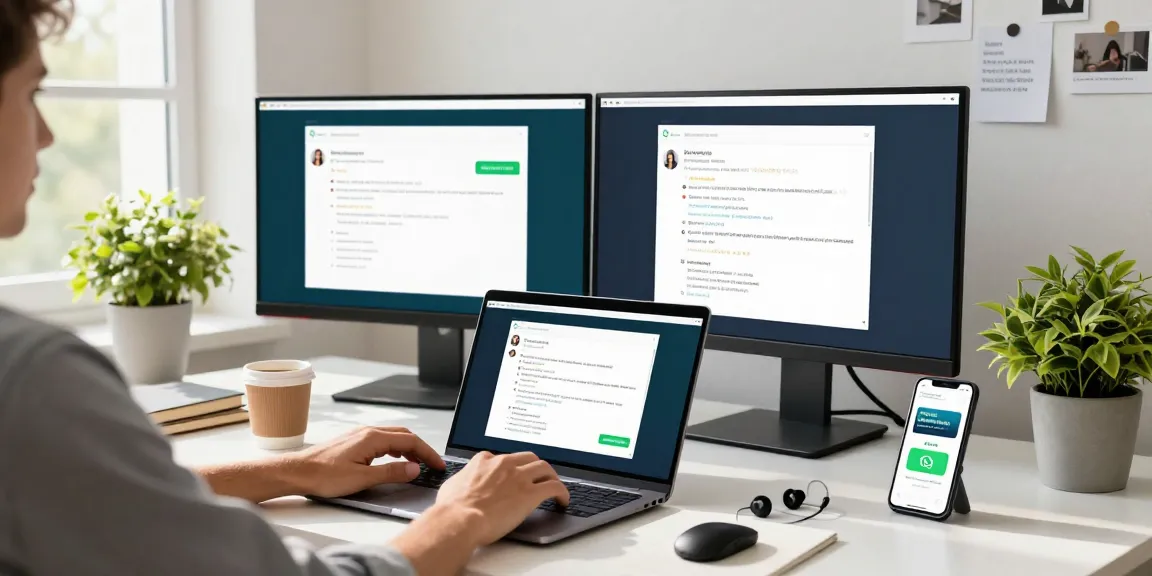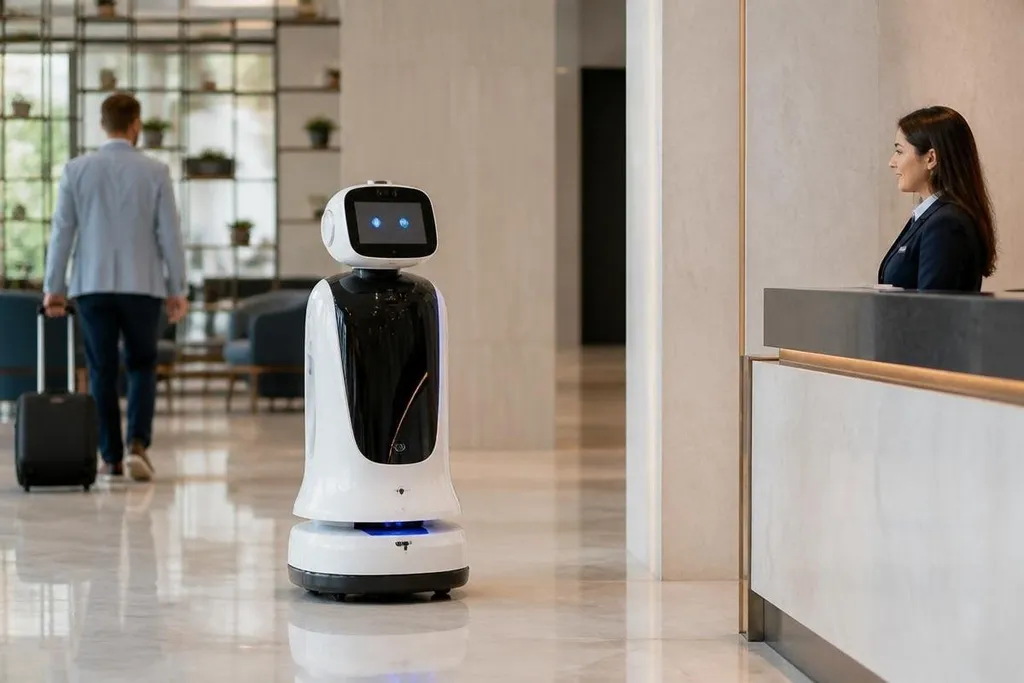
A customer service robot may greet a visitor, answer a menu question, carry a tray, or call a human worker. Its business value comes from the small tasks it can repeat without taking a staff member away from a harder one.
This article looks at where these robots fit, how they work, and what a manager should check before buying one.
Quick read
- Robots handle repeat questions and guided movement through public spaces.
- Screens, cameras, microphones, LiDAR, and software shape the customer’s experience.
- A human fallback, clear maintenance plan, and measured task results matter more than a polished demo.
What these robots actually do
Customer service robots usually work within a narrow task. In a hotel, one may carry items to a room. Retail models can guide someone to a product area, while restaurant models move food from a kitchen to a table.
The job needs a clear start, route, and handoff. That narrow role matters because public spaces change throughout the day. People stop in corridors. Chairs move, doors open, and queues form. Even a robot that can map an area and avoid people may need staff help when an elevator, doorway, or customer behaves differently from its setup.
Many systems combine a touch screen with microphones, speakers, cameras, and distance sensors. LiDAR measures nearby surfaces with laser pulses, while cameras help the robot read signs or detect people. The screen gives customers a visible way to choose a service when speech recognition struggles.
The robot’s software then connects the customer request to a task. A visitor might select “find a department,” scan a QR code, and follow the robot to a marked location. The useful part is the handoff: the robot must tell the customer what happens next and alert a person when it cannot continue.
Why a business might use one
The main change is task allocation. Staff can spend more time on decisions, complaints, sales questions, or care that needs judgment. The robot takes on repeat work with a known script and a defined route.
That can make sense in places with the same questions every day. It can repeat opening hours, direct visitors, show a menu, or carry an item without changing its wording from one interaction to the next. A business also gets a record of requests when the system logs selections and service times.
The gain depends on the task, not the robot’s shape. If a worker must watch the robot for most of its shift, answer frequent exceptions, or reset it after small contact events, the business has moved work rather than removed it. I’d skip a service robot when the task has no clear measure and no named person to handle failures.
A customer-facing deployment needs proof that the robot finished its task and that staff could handle failures. Customer service robotics reporting from Robot24 can tie those answers to a named system and real deployment before the limits appear.
Where the limits appear
Customer-facing work brings problems that a factory floor can avoid. A visitor may ask a question outside the robot’s script. A child may touch the robot. A person with limited mobility may need more time or a different route. The system needs a quick path to a human worker in each case.
Privacy needs the same care. Cameras and microphones can collect information about people who did not expect to interact with a machine. A buyer should ask what the robot records, where the data stays, how long it remains there, and who can view it.
The physical setting matters too. Systems built for smooth indoor flooring may struggle on thick carpet, narrow turns, ramps, or crowded entrances. Battery charging, cleaning, storage, and software updates also become daily work for the site team.
A demo can hide these limits. Ask to see the robot handle a blocked route, a missed voice command, a full delivery area, and a handoff to staff. Those moments reveal more than a scripted greeting.
A buyer’s decision check
Use this list before a trial or purchase:
- Name the task: Write the exact action the robot will repeat, such as guiding visitors from reception to a service desk.
- Set the measure: Choose a result you can count, such as completed deliveries, staff minutes released, or unanswered requests.
- Map the site: Test doors, lifts, floor surfaces, queue areas, lighting, and places where people stop.
- Plan the fallback: Assign a person who receives alerts and decide how the customer reaches them.
- Check the data: Record the sensors in use, the stored information, access rules, and deletion period.
- Price the whole job: Include charging, cleaning, repairs, software fees, training, and staff time.
A short trial should run during normal business hours, not only in an empty room. Compare the robot’s completed tasks with the staff time spent watching, fixing, and explaining it.
Customer service robots make sense when they remove a repeat task with a clear result. The next useful test is simple: after the trial, can the business show exactly what work moved to the robot, what work stayed with people, and what it cost per completed task?